

Detailed description
Brief Introduction
Launched in 2019, the CWILL Post-Purchase WooCommerce Shipment Tracking plugin has been continuously improved with a series of updates. CWILL Post-Purchase Shipment Tracking is well-received because it automates and centralizes order tracking across 1,180 carriers worldwide and makes it easy for WooCommerce businesses of all sizes to offer enhanced shipment visibility, product recommendations, and automatic shipping notifications to reduce WISMO inquiries, build trust and boost revenue.
How to Use CWILL Post-Purchase WooCommerce Shipment Tracking Plugin?
A Step-by-Step Guide
1. Go to WordPress "Plugins" to install the CWILL Post-Purchase Shipment Tracking plugin.
2. CWILL Post-Purchase will automatically synchronize your WooCommerce orders in the past 30 days for free. Then, you can add tracking numbers manually, import tracking numbers in bulk with CSV files, or use CWILL Post-Purchase shipment tracking API for automatic synchronization. If you're using third-party fulfilment services offered by Ali2Woo Lite, ALD, DSers, WooCommerce Shipping, Shippo, Sendcloud, you can easily connect them with CWILL Post-Purchase so that there will be no extra work in the future.
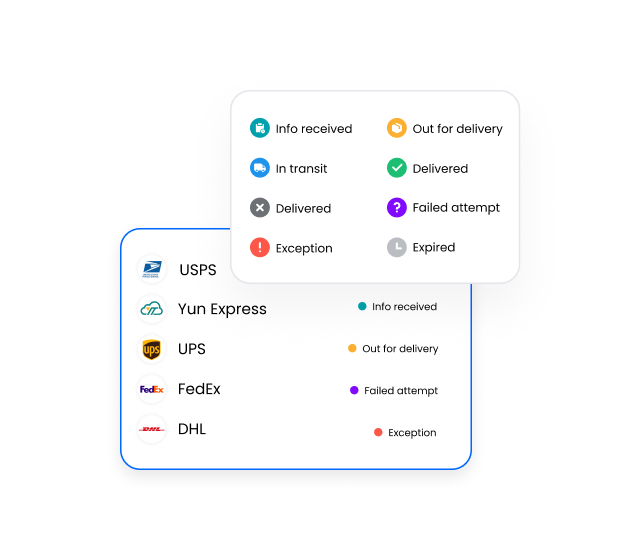
3. After tracking numbers have been added, CWILL Post-Purchase will automatically recognize couriers and pull corresponding tracking information. After waiting for 10 minutes or so, you can check the statuses of your WooCommerce orders created in the past. Orders are automatically classified into 8 standardized shipment tracking statuses.
4. (Optional) Notably, with CWILL Post-Purchase Shipment Tracking, you can change the order status to "Shipped," "Partially Shipped," or "Completed" as you need.
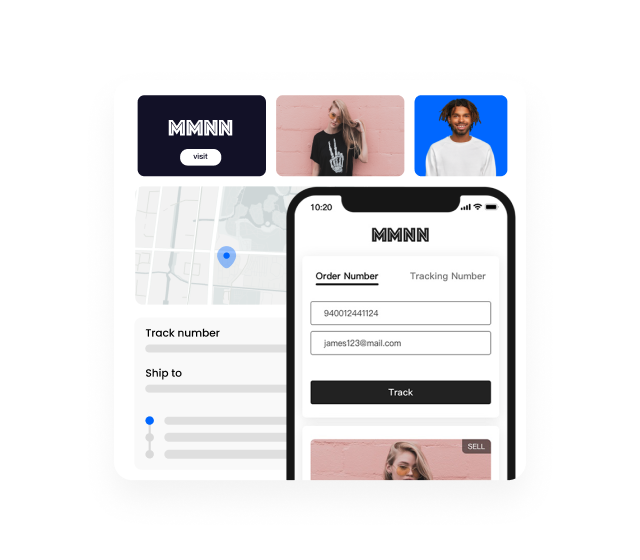
5. Then, customize the tracking page by sticking to your branding guidelines. You can put the URL to your storefront so that customers can easily access the shipment updates without your help.
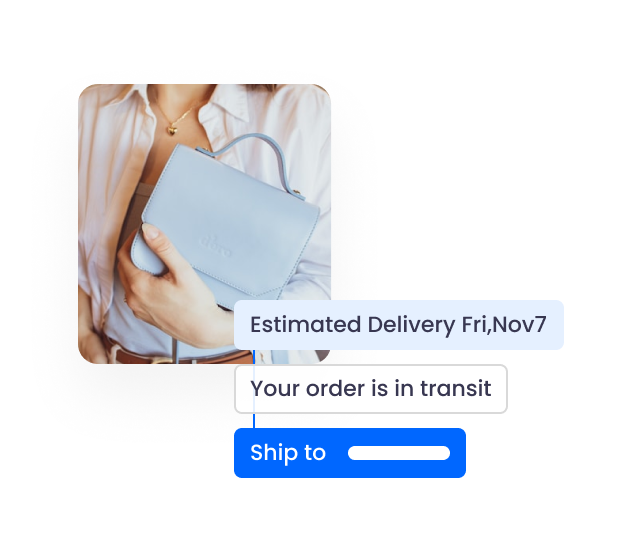
6. If you're a paid plan user, you can set up shipping notifications by editing the email templates provided by CWILL Post-Purchase. Then, enable the shipping notifications that you'd like to send. A total of five notification triggers can be configured to boost customer engagement in your post-purchase journey.
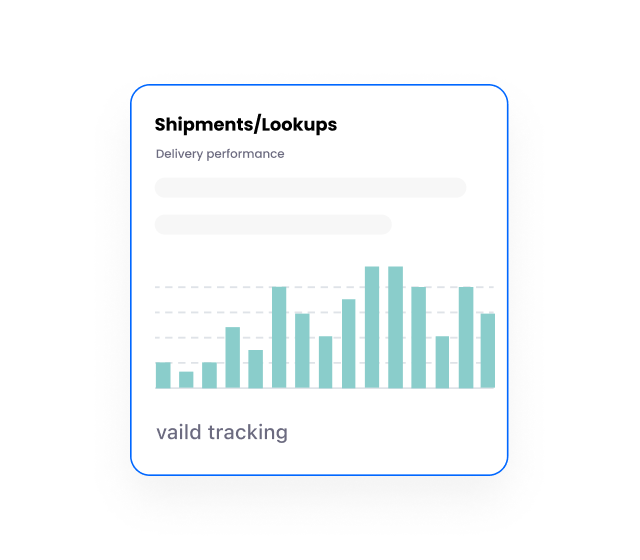
7. Check "Dashboard" to keep tabs on orders that require your special attention regularly, and save time with in-depth Analytics as you can get real-time reports on Shipments, Tracking Page, and Shipping Notifications.
Bonus Tips
1. "1 order = 1 quota": 1 quota is consumed every time CWILL Post-Purchase syncs one order for you; then, it will track all associated shipments from order to door. CWILL Post-Purchase is an economical solution for those with a lot of split shipments. If you have a lot of cancelled, failed or fake orders for testing purposes, please contact CWILL Post-Purchase customer service so that we can address your concerns with custom solutions.
2. Schedule a demo now if you have any questions and would like to get a free face-to-face consultation. We can't wait to help and see your success.
3. CWILL Post-Purchase plans to launch annual plans. Follow CWILL Post-Purchase Facebook Business Page or LinkedIn account to stay tuned!
Customer Success Stories
Over the years, CWILL Post-Purchase has helped numerous businesses reduce WISMO tickets and improve the post-purchase experience to maximize customer satisfaction and boost customer lifetime value for more sustainable growth. CWILL Order Tracking is adopted not only by numerous promising enterprises but also by established businesses. Our most successful customers include Ka'Chava, The Period Company, Atolea Jewelry, Depology, and xTool.
>>> Click here to learn how top brands use CWILL Post-Purchase.
Video Tutorials
To learn how to get started with CWILL Order Tracking for WooCommerce, here's the playlist of the tutorials you need. Follow the steps in the video, and you can offer enhanced shipment visibility immediately!
CWILL Order Tracking Tutorials for WooCommerce
Related Articles
How to Add the Tracking Page to WooCommerce Storefront?
How to Add an Order Tracking Section to Email Notifications?
How to Use WPML to Turn CWILL Post-Purchase's Tracking Page Multilingual?
How to Use YayMail to Customize CWILL Post-Purchase Email Notifications?


